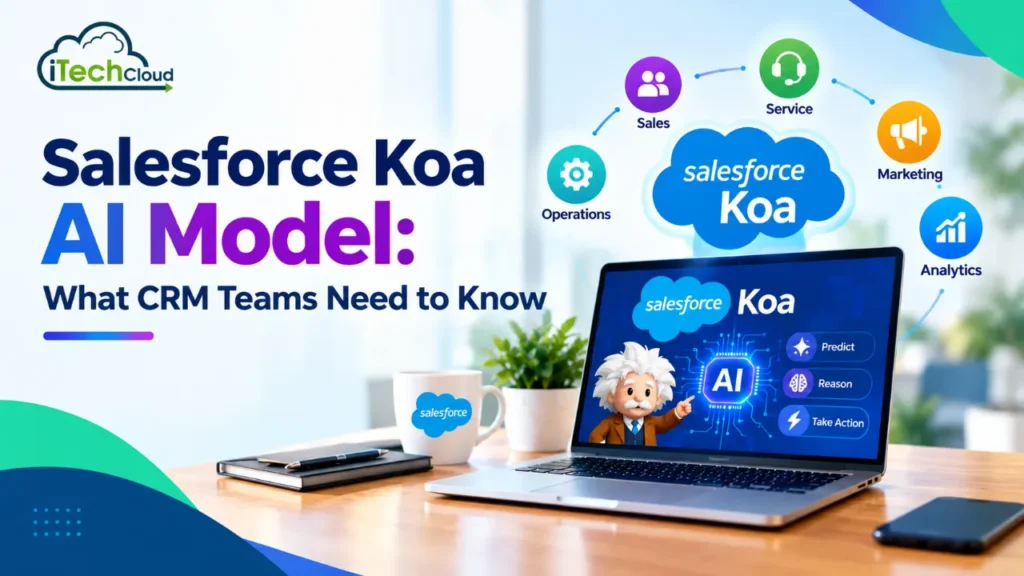
Announced in September 2026, Koa is Salesforce’s first CRM reasoning model, developed with NVIDIA and built on NVIDIA Nemotron technology. Instead of focusing mainly on generating answers, Koa is designed to help AI agents understand business tasks, select appropriate tools, and complete multiple steps within enterprise workflows.
For sales, service, and operations teams, this development could make AI agents more useful in everyday CRM work. Here is what Salesforce Koa changes, how it works, and what organizations should understand before adopting it.
What Is the Salesforce Koa AI Model?
Salesforce Koa is a specialized AI reasoning model designed to power Agentforce, Salesforce’s platform for building and deploying AI agents.
The model focuses on CRM-related tasks such as qualifying leads, updating sales opportunities, routing customer service cases, and scheduling follow-up activities. These tasks often require more than a single response. An agent must understand the business objective, consider the available information, choose the correct action, and follow the relevant workflow.
Koa aims to improve this process by bringing CRM-specific reasoning into the model itself.
Salesforce developed Koa by post-training NVIDIA Nemotron 3 Super using synthetic scenarios based on nearly three decades of Salesforce CRM experience. These scenarios represent business processes, operational policies, tool usage, and decision-making across more than 14 industries.
The central idea is simple: AI designed around real enterprise workflows may perform CRM tasks more effectively than a general-purpose model that has not been specifically adapted for them.
What Has Changed With Salesforce Koa?
1. A Stronger Focus on CRM Reasoning
Traditional generative AI is useful for summarizing conversations, drafting emails, answering questions, and creating content. However, completing a CRM workflow can involve several connected decisions and actions.
For example, qualifying a lead may require reviewing customer details, checking engagement history, identifying missing information, evaluating qualification criteria, and updating the appropriate CRM record.
Koa is designed to reason through these multistep tasks rather than focus solely on producing a convincing answer.
This shift moves enterprise AI toward completing business activities, not just helping employees write or understand information.
2. Training Based on Synthetic Business Scenarios
One important difference is how Koa was developed. Salesforce says its training dataset uses synthetic scenarios modeled on enterprise workflows rather than actual customer data.
These scenarios simulate how business users and AI agents might handle different situations, select tools, and perform actions across the customer lifecycle.
The approach allows the model to learn patterns in enterprise decision-making without using customer records to train Koa. Salesforce also says that inference runs within its own infrastructure and trust boundary.
For businesses concerned about sensitive CRM information, this provides an important distinction to evaluate when comparing AI deployment options.
3. Closer Integration With Agentforce Workflows
Koa was built specifically for Agentforce, where AI agents can work with business data, tools, and defined processes.
This makes the model relevant to organizations that want agents to handle structured activities across sales and customer service rather than operate as standalone chatbots.
For example, a service agent could need to understand a customer’s issue, retrieve the appropriate case information, and select a permitted next action. The success of this process depends on the model’s reasoning as well as the agent’s configuration, permissions, and available business tools.
4. An Emphasis on Reliable Actions
An incorrect AI-generated sentence may need editing. An incorrect CRM action, however, can change a customer record, misroute a support case, or disrupt a sales process.
Salesforce reports that Koa matches or exceeds leading model performance on CRM actions in its CRM benchmark, with three times fewer errors. This is a company-reported benchmark result, not a guarantee that every business workflow will achieve the same improvement.
For CRM teams, the important change is the emphasis on completing actions correctly, not simply generating responses quickly.
Key Benefits of Salesforce Koa for CRM Teams
Improved Sales Productivity
Sales representatives often spend considerable time updating records, reviewing account information, organizing opportunities, and preparing follow-ups.
Koa-powered agents could help automate suitable parts of these workflows. For instance, an agent might analyze an opportunity’s available information, identify incomplete fields, and initiate an approved follow-up process.
This could reduce repetitive administrative work and allow sales teams to devote more time to customer conversations and deal progression.
More Consistent Customer Support
Support teams manage large volumes of cases, customer questions, and requests that require different procedures.
An AI agent powered by a CRM-focused reasoning model could help classify cases, retrieve relevant information, identify appropriate next steps, and route requests according to established rules.
The potential benefit is more consistent case handling, particularly when workflows involve multiple decisions. Complex or sensitive cases should still have clear escalation paths to human employees.
Better Coordination Across Business Processes
Sales, service, and operations teams frequently depend on the same customer information but follow different processes.
A properly configured AI agent could coordinate steps across these workflows. For example, a service issue associated with an active sales opportunity might require case updates, an internal notification, and a follow-up task for the account owner.
By supporting multistep reasoning, Koa could help agents manage such connected activities, provided the relevant systems and permissions are configured correctly.
Greater Attention to Enterprise Data Controls
Organizations must understand how their CRM information is processed by AI systems.
Salesforce states that customer data was not used to train Koa and that the model’s inference runs within Salesforce’s own infrastructure. These design choices may be valuable to organizations evaluating AI for confidential customer information.
However, companies should still review their Salesforce security settings, access controls, data-retention policies, and compliance requirements before enabling AI workflows.
Potential Improvements in Operational Efficiency
Automating repetitive tasks may reduce manual effort, shorten processing time, and improve consistency across routine business activities.
The actual return on investment will depend on the use case, the quality of the CRM data, the number of tasks successfully automated, and the amount of human intervention required.
Businesses should measure those outcomes during a pilot instead of assuming that a specialized model will automatically improve every process.
Practical Salesforce Koa Use Cases
Lead qualification: An AI agent could review available lead information, identify missing qualification details, and recommend or initiate the next approved action.
Opportunity management: Agents could help sales teams maintain opportunity records, organize follow-ups, and identify tasks that need attention.
Customer service: Koa-powered agents could help interpret support requests, retrieve relevant case information, route work, and follow established resolution procedures.
Appointment and follow-up scheduling: Agents could coordinate follow-up activities using available customer details, scheduling tools, and business rules.
Internal employee assistance: An employee-facing agent could help staff find information and complete everyday tasks through familiar work environments. Salesforce has described an internal Slack agent using Koa for these purposes.
These are practical examples of where the model’s capabilities may be useful. The exact actions an organization can automate depend on its Agentforce setup, connected systems, and permissions.
Is Salesforce Koa Available to Every Business?
Koa was announced with availability for select Agentforce pilot customers, while general availability was expected in Winter 2026 in U.S. regions. Organizations should confirm current availability, regional eligibility, and licensing requirements with Salesforce before planning a deployment.
Koa is also not a complete replacement for CRM configuration or business process design. An AI model cannot independently fix poor data quality, unclear workflows, incorrect permissions, or conflicting automation rules.
Teams should begin by selecting a well-defined use case, establishing approval requirements, testing edge cases, and tracking task accuracy before expanding automation to more important processes.
What CRM Teams Should Do Next
Businesses evaluating Salesforce Koa should identify repetitive workflows that consume employee time but have clear rules and measurable outcomes.
Start with a limited pilot, such as lead qualification assistance or routine case routing. Define success metrics before testing, including completion accuracy, processing time, escalation rates, and the number of actions requiring manual correction.
CRM administrators should also review permission boundaries, audit logs, exception handling, and human approval requirements. Sales and service employees should participate in testing because they understand the situations in which business rules need human judgment.
This approach will help organizations determine whether the model improves their actual workflows instead of relying only on benchmark claims or product demonstrations.
Ready to Explore Salesforce AI for Your Business?
The Salesforce Koa AI Model highlights new opportunities to improve CRM workflows, automate repetitive tasks, and deliver better customer experiences. But choosing the right AI strategy is essential to getting real business value.
At iTechCloud Solution, we help businesses explore Salesforce consulting, Agentforce implementation, AI-powered workflows, and CRM optimization tailored to their needs. Whether you’re planning to adopt Salesforce AI or improve your existing CRM setup, our team can help you identify practical opportunities and plan your next steps.
Ready to make your Salesforce CRM smarter and more efficient? Connect with iTechCloud Solution to discuss your business goals and explore the right Salesforce AI solutions for your team.
Contact iTechCloud Solution to Get Started
Founder and CEO of iTechCloud Solution, a Salesforce consulting and product partner since 2017. He sets engagement strategy and stays the commercial owner of every account, working with clients across Salesforce, AI and data from the first call through to go-live.
Connect on LinkedIn