
Table of Contents
Understanding n8n and Its Value for FreelancersCommon Freelance Tasks That Can Be AutomatedHow n8n Works: A Freelancer’s PerspectiveBenefits of Automating Freelance Work with n8nPractical Examples of n8n Workflows for FreelancersGetting Started with n8nChallenges and ConsiderationsKey Takeaway:
Understanding n8n and Its Value for Freelancers
n8n is a node-based workflow automation platform designed for users of all technical levels. Unlike other automation tools, n8n is open-source and highly customisable, allowing users to create workflows that connect multiple applications and services. For freelancers, this means they can automate traditionally time-consuming processes, such as sending follow-up emails, managing client data, tracking invoices, or updating project boards.
The real value of n8n lies in its flexibility. Freelancers often use multiple tools simultaneously: Google Workspace, Slack, Trello, Notion, email services, social media platforms, and client management tools. Manually transferring information between these tools can be confusing and tedious. n8n eliminates these inefficiencies by enabling automated workflows that seamlessly connect these applications.
Common Freelance Tasks That Can Be Automated
Client OnboardingOnboarding new clients can involve sending contracts, collecting information, and setting up project boards. Using n8n, freelancers can automate these steps. For example, when a client submits a form through Google Forms, n8n can automatically create a Trello or Notion project, send a welcome email, and add the client’s data to a CRM. This saves hours of repetitive work and ensures consistency.
Email and Communication ManagementResponding to emails and following up with clients is a repetitive but essential part of freelancing. With n8n, freelancers can automate email sequences. For instance, if a client hasn’t responded to a proposal after a week, n8n can trigger a polite follow-up email. Similarly, notifications for incoming messages can be routed to Slack or Telegram, so freelancers don’t miss important updates while reducing the need to constantly check their inbox.
Invoice Generation and Payment TrackingManaging finances is another critical aspect of freelancing. n8n can automate invoice creation using tools like Google Sheets or QuickBooks and even send reminders for unpaid invoices. Workflows can be set up to mark invoices as paid once a payment is received, updating the freelancer’s financial records automatically.
Social Media and Content SchedulingMany freelancers, especially those in digital marketing or content creation, need to manage multiple social media accounts. n8n can automate the posting process, allowing content to be scheduled across platforms like Twitter, LinkedIn, and Instagram. It can also track engagement metrics, so freelancers can focus on creating content rather than manually analysing performance.
Project Management UpdatesFreelancers working on multiple projects need to keep track of deadlines, tasks, and client feedback. n8n can integrate with project management tools such as Asana, Trello, or ClickUp to automate task updates. For instance, when a client approves a milestone via email, n8n can automatically move the corresponding task to the “completed” column and notify the freelancer’s team if necessary.
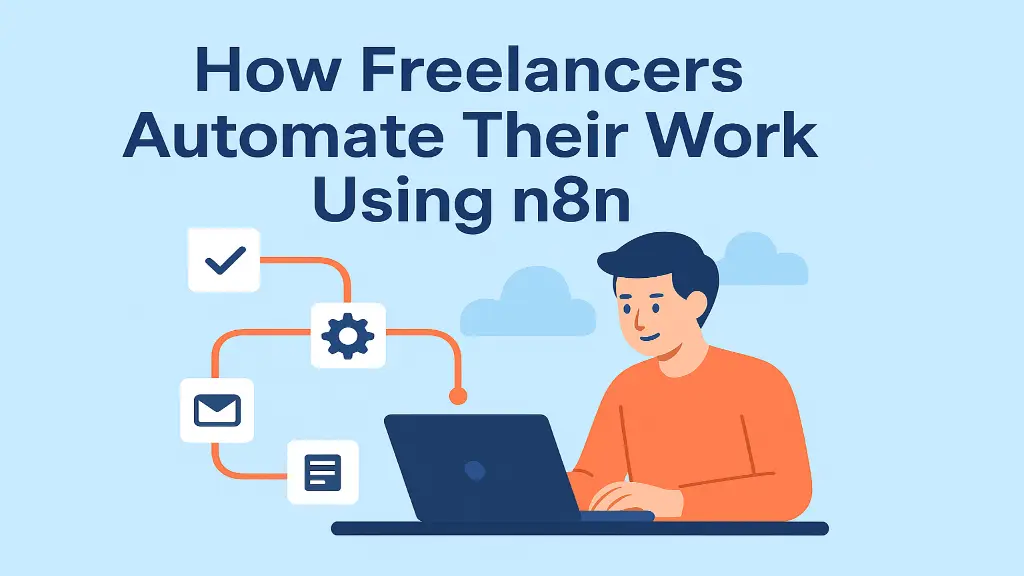
At its core, n8n uses a visual workflow editor where each step is represented as a “node”. Nodes can be connected to perform tasks sequentially or in parallel. The platform supports hundreds of integrations, enabling freelancers to connect to almost any application they use every day.
Trigger nodes: These initiate a workflow, such as receiving an email, submitting a form, or adding a new row to a spreadsheet.
Action nodes: These perform specific tasks, such as sending emails, creating calendar events, updating CRM records, or posting on social media.
Conditional Logic: N8N allows freelancers to create complex workflows with if/else conditions, loops, and data transformations, making automation highly suited for unique business processes.
Freelancers benefit from this approach because they can create a single workflow that automatically handles multiple steps, reducing errors and freeing up their time for creative or strategic tasks.
Time-saving: Automating repetitive tasks means freelancers spend less time on administrative work and more time delivering value to clients. Even a simple workflow can save several hours per week.
Increased accuracy: Manual data entry and task management are prone to errors. Automation reduces errors, ensuring client information, invoices, and project updates are consistent and accurate.
Better customer experience: Immediate feedback, timely updates, and organised project tracking increase customer satisfaction. Automated workflows help freelancers deliver a professional experience without constant manual effort.
Scalability: Freelancers often juggle multiple clients and projects. Automation allows them to increase operations without additional help, making it easier to work more efficiently.
Increased flexibility: With a workflow that manages routine tasks, freelancers can experiment with new services, focus on creative problem-solving, and improve the quality of their work.
Lead Management WorkflowTrigger: New submission on a website contact form
Actions: Add lead details to Google Sheets, send acknowledgment email, create a Trello card for follow-up
Invoice and Payment WorkflowTrigger: Invoice sent in QuickBooks
Actions: Send invoice to client via email, track due date, send reminders if unpaid, update a Google Sheet with payment status
Social Media Scheduling WorkflowTrigger: New blog post published on website
Actions: Share post across LinkedIn, Twitter, and Instagram; notify Slack channel of publication; and track clicks using UTM parameters
Client Feedback WorkflowTrigger: Client submits feedback form
Actions: Log feedback in Notion, notify freelancer via email, update task status in Asana.
For freelancers new to automation, n8n offers both cloud-hosted and self-hosted options. The cloud-hosted version allows immediate access to workflow creation without worrying about server setup, while the self-hosted version offers full control over data and advanced customisation. Freelancers can start with simple workflows and gradually build more complex automation as they become comfortable with the platform.
Learning resources, templates, and community forums make it easy to explore n8n’s capabilities. Freelancers can experiment with pre-built templates for common tasks like email automation, social media posting, and client onboarding, adapting them to their unique workflow.
While n8n is powerful, freelancers need to consider a few factors.
Learning Curve: Some workflows, especially complex ones, require basic technical knowledge. However, the visual interface reduces the need for deep coding expertise.
Maintenance: Automated workflows may occasionally break due to API changes or updates in connected apps, requiring regular monitoring.
Data Security: Freelancers must ensure that sensitive client data is handled securely, especially when using cloud-based workflows.
Automation has revolutionised the way freelancers work, enabling them to focus on creativity, strategy, and client relationships rather than repetitive administrative tasks. n8n, with its open-source flexibility and wide range of integrations, offers a robust platform for freelancers to streamline their workflows, save time, and improve efficiency. By embracing automation with n8n, freelancers can not only enhance their productivity but also scale their business, maintain high-quality client interactions, and gain a competitive edge in the ever-evolving freelance landscape.
Part of the team turning Salesforce and AI strategy into shipped, measurable outcomes for enterprises across five regions.