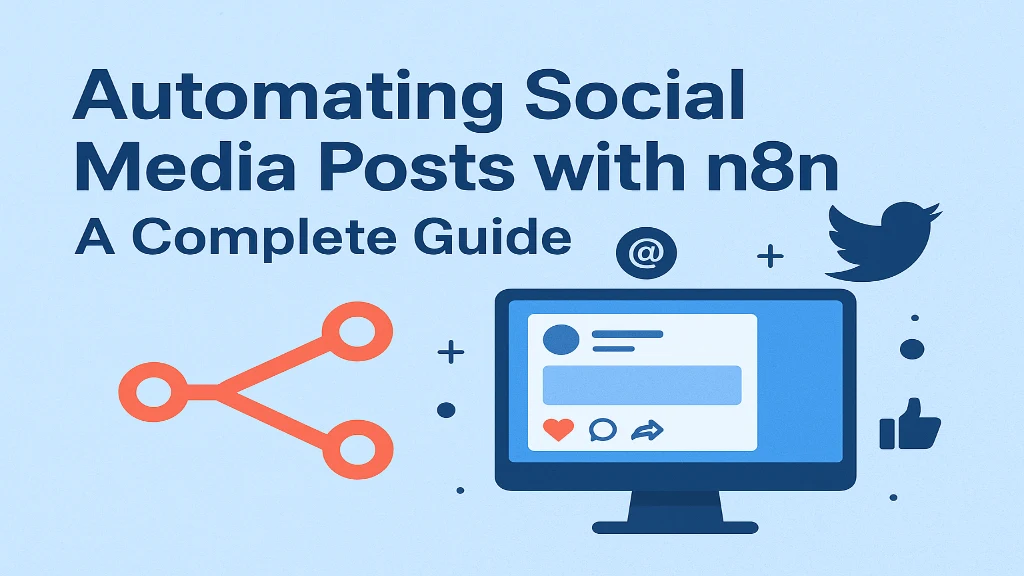
Introduction: Automating Social Media Posts with n8n
In today’s fast-paced digital world, managing multiple social media accounts can be time-consuming. Brands and marketers often juggle between platforms like Facebook, Twitter (X), Instagram, LinkedIn, and YouTube to maintain engagement and consistency. Fortunately, automation tools like n8n have made this process seamless.
This guide explains how you can automate your social media posting workflow using n8n, a powerful open-source automation tool that lets you integrate hundreds of apps, without writing much code.
Table of Contents
Introduction: Automating Social Media Posts with n8nWhat is n8n?Why Automate Social Media Posts?Setting Up n8nStep-by-Step: Automating Social Media PostsExample WorkflowEnhancing Automation with AIBest Practices for n8n Social Media AutomationCommon Use CasesKey Takeaway:
What is n8n?
n8n (short for “nodemation”) is an open-source workflow automation platform that allows users to connect different services and perform tasks automatically. Think of it as an alternative to Zapier or Make (Integromat), but with more flexibility and control.
You can use n8n to:
Schedule and automate social media posts
Collect data from RSS feeds or Google Sheets
Auto-publish content to multiple platforms
Integrate AI tools for content creation
Since it’s self-hosted or cloud-based, you can control data privacy while automating marketing workflows.
Why Automate Social Media Posts?
Automation ensures consistent posting and saves countless hours every week. Here are the main benefits:
Consistency: Maintain regular posting schedules even on weekends or holidays.
Time Efficiency: Focus on engagement and strategy instead of manual uploads.
Cross-Platform Sync: Post on multiple platforms simultaneously.
AI Integration: Use AI-generated captions or hashtags via ChatGPT or OpenAI nodes.
Analytics Automation: Fetch and log performance metrics automatically.
You can use n8n in two ways:
n8n Cloud – Hosted by n8n (no setup required)
Self-Hosted – Run on your own server or local machine via Docker
Quick Start (Cloud Option):
Go to n8n.io and sign up.
Access your dashboard and create a new workflow.
Click “+” to add nodes, each node represents an action or trigger.
Example: A Google Sheets node fetches content ideas, which are then scheduled by a Delay node, and finally posted automatically by a Twitter or LinkedIn node.
Let’s create a sample workflow to automate daily social media posting using n8n.
Step 1: Create a Trigger
Choose how the workflow starts. Some common triggers include:
Cron Node: For scheduling (e.g., post daily at 9 AM).
Webhook Node: To start automation when new content is available.
RSS Feed Node: Auto-post when new articles are published.
Step 2: Add a Content Source
Your content can come from:
Google Sheets (titles, captions, and URLs)
RSS Feeds (blogs or news sites)
Airtable or Notion (content planner databases)
Example: Add a Google Sheets Node, connect it via OAuth, and select the sheet with post content.
Step 3: Add a Delay or Filter Node
Use a delay to space out posts (avoid posting all at once) or an IF node to check conditions (e.g., only post if “Status = Ready”).
Step 4: Add a Social Media Node
n8n supports several platforms via API integrations:
Twitter Node: Auto-tweet content with images or links.
LinkedIn Node: Post text, links, or images to a company page.
Facebook Node: Publish posts to pages or groups.
Instagram Node: Upload photos via connected APIs (requires Facebook Graph setup).
Configure each node with authentication keys and the message format (caption, hashtags, etc.).
Step 5: Test and Execute
Click “Execute Workflow” to test. Once confirmed, toggle “Activate” – your automation now runs on schedule.
Goal: Auto-post new blog updates to Twitter and LinkedIn.
Nodes:
RSS Feed (Trigger) → detects new blog posts
HTTP Request → fetch metadata (title, URL, thumbnail)
AI Node (OpenAI) → generate a caption and hashtags
Twitter Node → tweet post
LinkedIn Node → publish the same content
Result: Every new blog automatically appears on your social channels with engaging AI-written captions.
You can elevate your workflow by integrating AI tools like OpenAI or Hugging Face using the HTTP request node.
For example:
Generate post captions automatically using GPT prompts.
Summarize blog articles before posting.
Create hashtag recommendations dynamically.
Example prompt in n8n:
Create a tweet that is 280 characters long and promotes this blog post: {{title}} – Include relevant hashtags.”
This level of personalization ensures every post feels human, even when automated.
Don’t Over-Automate: Keep room for human engagement and responses.
Use Delay Nodes: Prevent spammy or bulk posting.
Maintain Consistency: Follow an editorial calendar for balanced frequency.
Monitor Logs: Check n8n execution history for failed posts.
Backup Credentials: Use environment variables or n8n’s credentials manager.
Combine Analytics: Use Google Sheets or Databox to log impressions or likes.
Auto-post YouTube videos to LinkedIn or Twitter when published
Cross-post Instagram images to Facebook and Pinterest
Share blog updates to multiple platforms via RSS feed
Use AI to generate daily motivational posts or quotes
Each use case saves hours of manual effort and keeps your audience engaged continuously.
n8n empowers creators, marketers, and businesses to simplify their social media management by automating repetitive posting tasks. With integrations for APIs, Google Sheets, AI tools, and more, it offers unmatched flexibility compared to traditional automation tools.
Whether you’re a solopreneur managing multiple accounts or a digital agency scheduling content for clients, n8n can become your central automation hub: saving time, boosting consistency, and improving engagement.
So, start small: automate one workflow today. Soon, you’ll have an entire ecosystem of interconnected social media automations running effortlessly in the background while you focus on strategy and creativity.
Founder and CEO of iTechCloud Solution, a Salesforce consulting and product partner since 2017. He sets engagement strategy and stays the commercial owner of every account, working with clients across Salesforce, AI and data from the first call through to go-live.
Connect on LinkedIn