
Introduction: Salesforce with External Systems
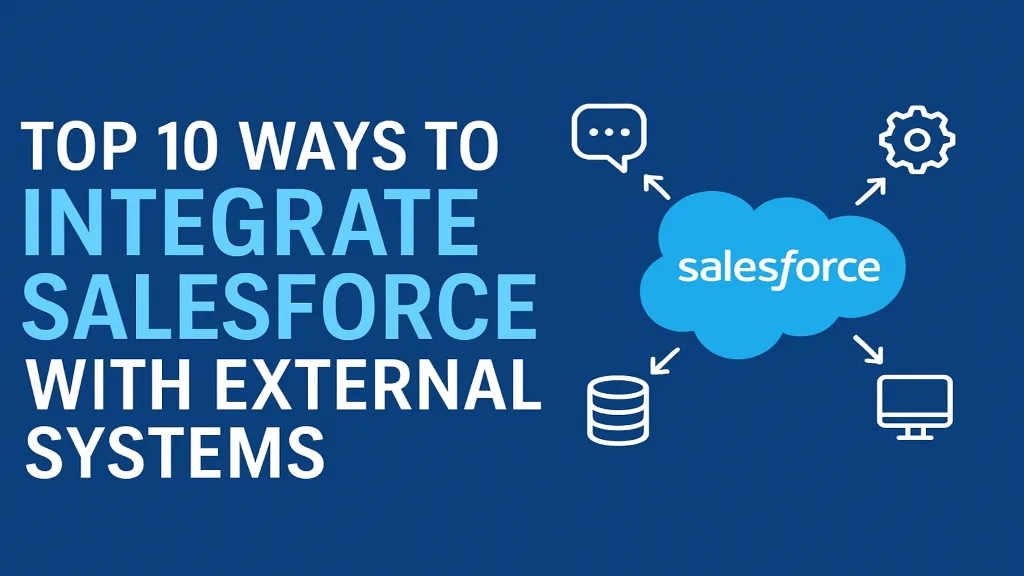
In today’s digital-first world, businesses rely on a network of interconnected applications to deliver seamless customer experiences. Salesforce, as a leading CRM platform, becomes even more powerful when integrated with external systems such as ERPs, marketing tools, eCommerce platforms, databases, and custom applications. Effective Salesforce integration ensures data consistency, reduces manual effort, and improves operational visibility across departments.
This guide explores the top 10 ways to integrate Salesforce with external systems, highlighting key capabilities, ideal use cases, benefits, and best practices.
Table of Contents
Introduction: Salesforce with External Systems1. REST API Integration2. SOAP API Integration3. MuleSoft Integration4. Salesforce Connect (External Objects)5. Platform Events6. Apex Callouts7. Outbound Messaging8. Salesforce Data Loader & ETL Tools9. Middleware Integration Platforms10. Heroku IntegrationConclusion
1. REST API Integration
Salesforce’s REST API is one of the most commonly used integration methods thanks to its simplicity, lightweight structure, and support for JSON. It is ideal for modern applications that need real-time interaction with Salesforce data.
When to Use
Mobile applications
Web apps requiring quick, real-time data
Lightweight integrations
Benefits
Easy to use and implement
Excellent performance
Supports OAuth for secure authentication
2. SOAP API Integration
A SOAP API is suitable for enterprise-grade integrations that require formal messaging structures and extensive transaction support. It uses XML and provides robust error handling.
When to Use
Legacy systems
Applications that need formal contracts (WSDL)
Complex operations requiring strict protocols
Benefits
Highly secure
Strong support for complex data types
Reliable and standards-based
3. MuleSoft Integration
MuleSoft, part of the Salesforce ecosystem, acts as a powerful integration platform that connects Salesforce with virtually any system, whether cloud or on-premise.
When to Use
Large enterprises with multiple systems
Need for API-led connectivity
Use cases requiring orchestration and transformation
Benefits
Scalable and reusable APIs
Pre-built connectors for Salesforce and major applications
Robust security and governance
4. Salesforce Connect (External Objects)
Salesforce Connect allows users to access external data in real-time without storing it in Salesforce. It uses OData or custom adapters to connect external systems.
When to Use
Large datasets not needed in Salesforce
Real-time access without duplication
External ERP, database, or intranet integrations
Benefits
No need for data replication
Reduces storage costs
Seamless user experience
5. Platform Events
Platform Events offer an event-driven architecture for Salesforce integrations. External systems can subscribe to or publish events to facilitate real-time messaging.
When to Use
High-volume, real-time integrations
Microservice-based architectures
Triggering workflows across systems
Benefits
Decoupled and scalable integration pattern
Real-time event streaming
Works with Apex triggers, Flow, and external systems
6. Apex Callouts
Apex allows Salesforce developers to call external APIs directly from Salesforce using HTTP callouts.
When to Use
Custom logic required for integration
Integrating with APIs not supported by connectors
Situations where REST/SOAP calls require logic
Benefits
Highly flexible
Full control over request/response handling
Supports synchronous and asynchronous callouts
7. Outbound Messaging
Outbound Messaging is a declarative integration method configured via workflow rules or Process Builder. Salesforce sends a SOAP XML message to an external endpoint whenever a record changes.
When to Use
Simple, automated notifications
ERP or backend system updates
Non-complex, event-driven triggers
Benefits
No code required
Reliable delivery with retries
Easy to configure
8. Salesforce Data Loader & ETL Tools
Tools like Data Loader, Informatica, Talend, and Boomi enable batch data movement between Salesforce and external systems. They are ideal for scheduled or large-volume data transfers.
When to Use
Data migration projects
Regular batch syncing between systems
High-volume data processing
Benefits
Efficient for bulk operations
Supports complex transformations (depending on the ETL tool)
Useful for admin-led data management
9. Middleware Integration Platforms
Besides MuleSoft, other integration platforms like Dell Boomi, Jitterbit, and Workato offer low-code/no-code integration capabilities with Salesforce.
When to Use
Businesses needing quick integrations
Organizations lacking full development teams
Multi-application workflows
Benefits
Faster implementation
Pre-built Salesforce connectors
Visual workflow design
10. Heroku Integration
Heroku allows developers to build custom applications connected to Salesforce using Heroku Connect, which provides real-time data sync between Salesforce objects and Heroku Postgres.
When to Use
Customer-facing apps
High-performance web/mobile apps
Apps requiring custom logic beyond Salesforce limits
Benefits
Bi-directional sync
Scalable architecture
Seamless extension of Salesforce capabilities
Salesforce integrations play a crucial role in building a unified, intelligent business ecosystem. Whether you’re connecting to an ERP, syncing customer data from marketing tools, or building advanced applications on Heroku, the platform provides multiple integration methods to suit every business need.
The top 10 integration methods from APIs and platform events to MuleSoft and Salesforce Connect empower businesses to create scalable, high-performing, and future-ready systems. By choosing the right approach and following best practices, organizations can unlock the full potential of Salesforce and deliver world-class customer experiences.
Founder and CEO of iTechCloud Solution, a Salesforce consulting and product partner since 2017. He sets engagement strategy and stays the commercial owner of every account, working with clients across Salesforce, AI and data from the first call through to go-live.
Connect on LinkedIn