
Introduction: Salesforce Email Limits Using Custom Staging
Salesforce is the world’s leading CRM platform, empowering organizations to streamline communication, marketing, and customer engagement. One of its most commonly used features is email communication, whether for marketing campaigns, sales outreach, or customer support. However, Salesforce imposes strict email sending limits to ensure fair usage, maintain deliverability, and prevent misuse.
These limits can become a major challenge for businesses that rely heavily on bulk emailing or automated communication workflows. Fortunately, companies can overcome these restrictions by implementing a custom staging mechanism that ensures compliance with Salesforce policies while maximising email throughput.
Table of Contents
Introduction: Salesforce Email Limits Using Custom StagingUnderstanding Salesforce Email LimitsWhy Do These Limits Exist?The Challenges of Salesforce Email LimitsWhat is Custom Staging for Salesforce Emails?Benefits of Using Custom StagingStep-by-Step Implementation of Custom StagingIntegration with External Email ProvidersBest Practices for Custom Staging Email ManagementReal-World Use CasesExpert InsightsKey Takeaways
Understanding Salesforce Email Limits
Before discussing workarounds, let’s clarify the types of email limits Salesforce enforces. These vary depending on edition, licence, and configuration.
1. Daily Mass Email Limits
For most Salesforce editions, there’s a cap on daily mass emails sent per org.
Example: Professional Edition allows 250 daily mass emails, while Enterprise and Unlimited support up to 5,000 per day.
2. Single Email Limits
Salesforce restricts the number of single (non-mass) emails sent through Apex code or workflows.
Typically, it’s 5,000 emails per day per org.
3. Email Services and API Limits
Emails sent via API, triggers, or processes are counted toward daily limits.
Each licence type has unique thresholds.
4. Per-Transaction Limits
Within a single Apex transaction, you can send only a set number of emails (e.g., 10 for messaging). SingleEmailMessage).
Deliverability protection: Prevents Salesforce IPs from being blacklisted.
Fair usage: Ensures no single organization consumes excessive resources.
Anti-spam compliance: Reduces misuse for unsolicited bulk emails.
These limitations are reasonable for protecting the Salesforce ecosystem, but they pose practical challenges for businesses needing high-volume communication.
When businesses hit email restrictions, they often encounter:
Campaign delays: Marketing campaigns may stall if limits reset only after 24 hours.
Customer dissatisfaction: Service notifications or transactional emails may fail to send on time.
Sales productivity loss: Reps can’t reach prospects promptly, reducing conversion opportunities.
Workarounds increasing complexity: Splitting campaigns manually or scheduling multiple runs can be tedious.
For fast-scaling businesses, these constraints quickly become bottlenecks. That’s where custom staging comes in.
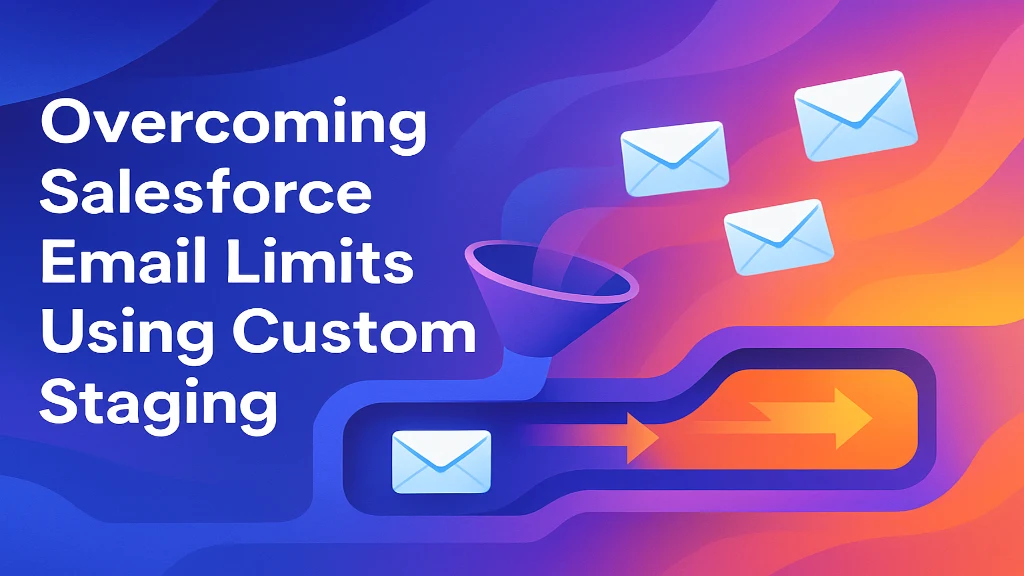
Custom staging is a solution that allows you to queue, schedule, and throttle outgoing emails so you can bypass Salesforce’s daily caps without breaking rules.
Instead of attempting to send thousands of emails directly from Salesforce in one go, you:
Store email requests in a staging object (custom database table).
Use batch jobs or scheduled Apex to release a limited number of emails per cycle.
Distribute the workload across multiple days, users, or integrated systems.
This approach ensures emails are sent reliably while staying within Salesforce’s enforced thresholds.
Compliance with Salesforce limits: Prevents errors and failed sends.
Scalability: Supports high-volume communication by spreading sends over time.
Flexibility: Define rules for priority emails (e.g., transactional first, marketing later).
Error handling: Failed or bounced emails can be retried without disrupting operations.
Integration-ready: Works seamlessly with external ESPs (Email Service Providers) like SendGrid, Mailchimp, or Marketing Cloud.
Here’s a blueprint for creating a custom staging system in Salesforce.
Step 1: Create a Custom Object for Email Staging
Define a custom object called Email_Staging__c.
Fields might include:Recipient Email Address
Subject
Body (HTML/Text)
Status (Pending, Sent, Failed)
Priority
Related Record ID (Opportunity, Case, Lead, etc.)
The staging table acts as a holding area for email requests.
Step 2: Populate the Staging Table
Modify business logic (triggers, workflows, or flows) to insert records into the staging object instead of sending emails immediately.
Example: When a case closes, create a staging record for the thank-you email instead of firing it instantly.
Step 3: Build an Apex Batch for Email Sending
Write a batch Apex class that processes staging records in chunks.
Each batch sends only as many emails as Salesforce permits per execution.
After sending, update the record’s status to Sent.
global class EmailBatch implements Database.Batchable<SObject> { global Database.QueryLocator start(Database.BatchableContext bc) { return Database.getQueryLocator( 'SELECT Id, Email__c, Subject__c, Body__c FROM Email_Staging__c WHERE Status__c = \'Pending\' LIMIT 100' ); } global void execute(Database.BatchableContext bc, List<Email_Staging__c> scope) { List<Messaging.SingleEmailMessage> emails = new List<Messaging.SingleEmailMessage>(); for (Email_Staging__c e : scope) { Messaging.SingleEmailMessage mail = new Messaging.SingleEmailMessage(); mail.setToAddresses(new String[] {e.Email__c}); mail.setSubject(e.Subject__c); mail.setHtmlBody(e.Body__c); emails.add(mail); e.Status__c = 'Sent'; } Messaging.sendEmail(emails); update scope; } global void finish(Database.BatchableContext bc) {} }Step 4: Schedule the Batch Job
Use a scheduled Apex class to run the batch multiple times per day.
Example: Run every 30 minutes to gradually send queued emails.
Step 5: Add Error Handling & Logging
Create fields like Error_Message__c for failed attempts.
Consider retry mechanisms for temporary failures.
Step 6: Optimize for Priority
Add logic to prioritize transactional emails (password resets, order confirmations) over bulk marketing.
While custom staging helps manage Salesforce’s internal limits, organizations sending tens of thousands of daily emails often integrate with third-party ESPs.
SendGrid, Amazon SES, Mailchimp, Pardot, or Marketing Cloud can handle massive volumes.
Salesforce acts as the email request generator, while the ESP executes delivery.
Staging ensures requests don’t overwhelm Salesforce, while APIs forward them to the ESP.
This hybrid setup combines Salesforce CRM intelligence with an ESP’s scalability.
1. Segment Your Audience
Break large lists into smaller, targeted groups.
Improves engagement while keeping volumes manageable.
2. Respect Deliverability Standards
Use verified domains, SPF/DKIM authentication, and clean lists.
Even with staging, poor practices can lead to spam issues.
3. Monitor Limits Proactively
Use Salesforce system logs to track remaining daily quotas.
Adjust batch job size accordingly.
4. Prioritize Transactional Emails
Ensure mission-critical notifications go out first.
Lower-priority marketing campaigns can wait.
5. Implement Reporting Dashboards
Track pending, sent, and failed staging records.
Measure performance, bounce rates, and deliverability.
6. Consider Time-Zone-Based Sending
Spread emails over time for better engagement.
Avoid hitting daily caps at once.
Case Study 1: Mid-Sized SaaS Company
Challenge: Sending 10,000 onboarding emails monthly to new trial users.
Solution: Built a staging system with priority tiers.
Result: Smooth communication without hitting Salesforce caps.
Case Study 2: E-Commerce Brand
Challenge: Order confirmations clashed with bulk promotional campaigns.
Solution: Transactional emails tagged as “High Priority” in staging.
Result: No disruption of mission-critical customer messages.
Case Study 3: Financial Services Firm
Challenge: Regulatory compliance required archiving all emails.
Solution: Staging captured emails in Salesforce records before sending via ESP.
Result: Full compliance while scaling outbound communications.
Industry experts agree that staging is the most sustainable workaround for Salesforce email restrictions. According to Salesforce architects:
“Custom staging ensures that Salesforce’s native email limits become a non-issue for businesses scaling communication.”
“The combination of staging and external ESP integration is a best practice for long-term scalability.”
By implementing custom staging, organizations can transform email communication from a bottleneck into a strategic advantage.
Overcoming Salesforce email limits with a custom staging approach ensures smooth communication without hitting daily caps. By staging emails in custom objects, batching them, and sending via Apex or Flow, businesses can control delivery schedules and maintain compliance with Salesforce limits. This strategy not only prevents disruptions but also enhances reliability, scalability, and efficiency in customer engagement.
Part of the team turning Salesforce and AI strategy into shipped, measurable outcomes for enterprises across five regions.