

n8n for SaaS: Automating User Onboarding & Notifications
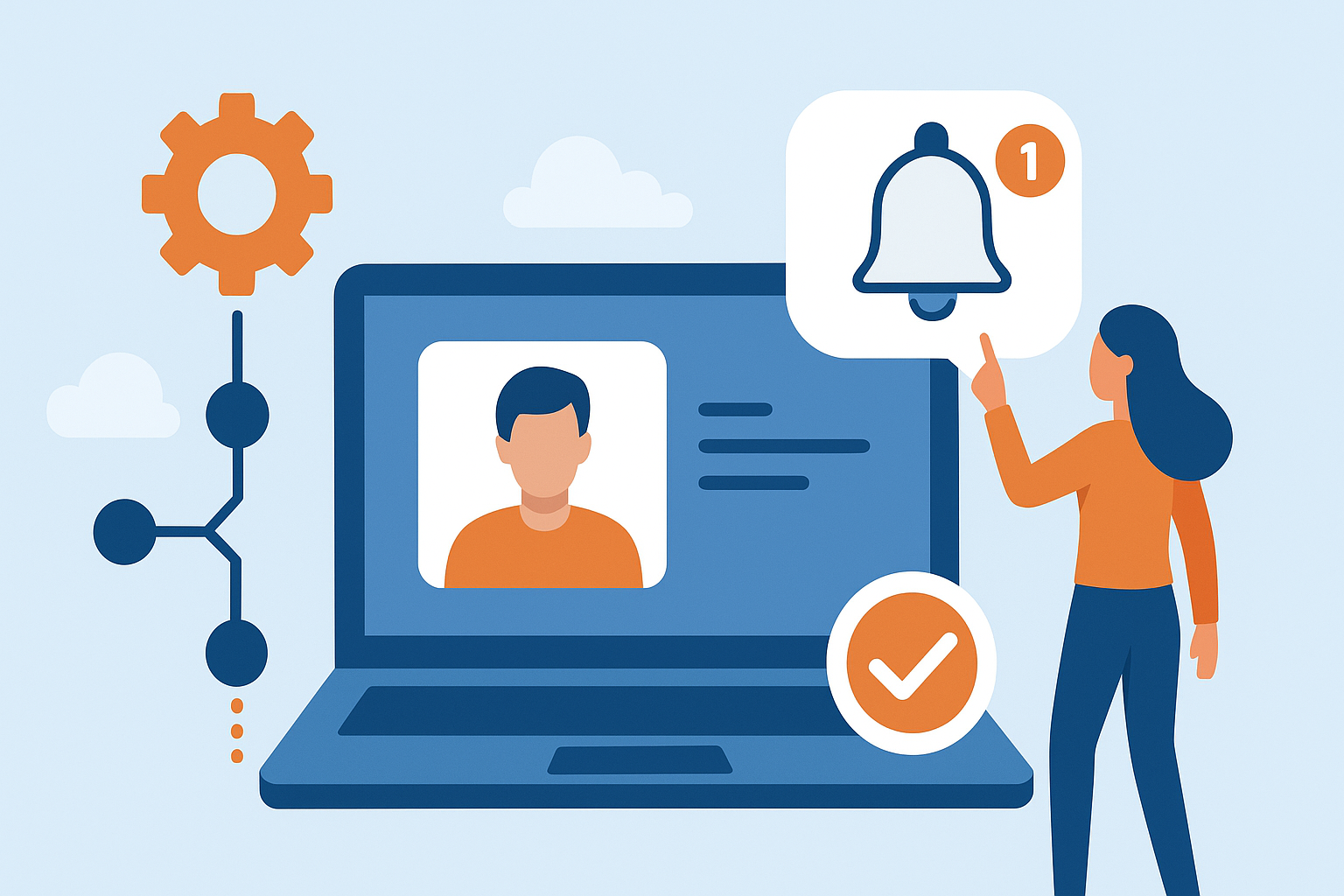
Introduction: n8n for SaaS
In the competitive mother’s landscape, automation is an important advantage. As the customer base increases, manual onboarding, welcome emails, and user instructions can quickly become time-consuming. That’s where N8N, an open-source workflow automation platform, becomes a game-changer for SaaS companies. It allows teams to automate complex processes with ease and improve efficiency, consistency, and customer satisfaction.
Table of Contents
The Importance of Automation in SaaS
SaaS businesses depend on seamless experiences. From the moment the user signs up, each interaction counts toward retention and engagement. Manual onboarding or inconsistent communications can lead to a user drop-off and missed opportunities. Automation ensures that each user gets the right information at the right time—without the need for effort.
The N8N No-Code and Low-Code Environmental SaaS teams are empowered to create automatic workflows to connect tools such as CRM, database, email platform, and chat systems that handle onboarding, notifications, and connections without effort.
Automating the User Onboarding Journey
User onboarding is one of the most crucial stages of the SaaS customer life cycle. A simple onboarding experience helps users to quickly understand the product value and promote long-term connection. With the N8N, teams can automate each step of the process to ensure consistency and speed.
- Creating an account and verification: When the new user signs up, the N8N can automatically trigger the onboarding workflow. For example, it can send a verification email, update the CRM with the user’s details, and create a profile in other integrated platforms such as Slack or Notion for internal tracking.
- Welcome Email and Setup Guides: Instead of sending manual welcome emails, the N8N can immediately be integrated with email tools such as SendGrid or MailChimp to send personal welcome messages. These emails may include setup guides, tutorial links, the user’s subscription plan, or the user’s first-time user checklist corresponding to the case.
- Team assignments and task automation: N8N can notify internal teams when the new user signs up. For example, it can create a task in a posture or trail to follow up for a successful customer’s team or send a Slack message to a sales team to warn about a new lead. This keeps everyone aligned and reduces the delay in response.
- User information storage and insights: During onboarding, the N8N can automatically collect and store user data in tools such as Google Sheets, Airtable, or the company database. This helps to analyze the behavior of the user, track the conversion funnel, and make the onboarding steps better for better engagement.
Automating Notifications for Engagement & Retention
Beyond onboarding, consistent and timely notifications play a vital role in user engagement. n8n can automate a wide range of notifications across different stages of the customer journey.
- Product usage notifications: The N8N can monitor the user activity by coordinating with analytics tools or API. If a user has not logged in or has completed the setup for several days, the system can automatically send a reminder email or in-app message that encourages them to return.
- Subscription and billing alerts: Authorizing billing-related instructions reduces confusion and improves transparency. N8N can send reminders for the next renewal, failed payments, or plan updates. This keeps users aware and reduces the churning caused by billing problems.
- Feature ads and updates: When new features are launched, the N8N can automate targeted instructions for users who will benefit the most. For example, users with specific plan types or consumption histories can receive individual updates or tutorials that highlight new functionality.
- Feedback and surveys: After onboarding and after the landmarks of certain use, the N8N can automatically send satisfaction surveys or feedback forms. Coordination with tools such as Typhrom or Google Forms ensures that SaaS teams consist of continuous insights to improve their products.
Real-Time Team Alerts
n8n doesn’t just automate user-facing notifications; it also keeps internal teams informed. Real-time alerts eMake sure support, marketing, and sales teams always have advanced information about user actions.
- Slack or Microsoft Teams Warnings: When the user upgrades, cancels, or reaches the milestone, the N8N may immediately notify the relevant channels.
- CRM updates: It can update user records in Salesforce or HubSpot to automatically reflect status changes.
- Error Management: If any part of the workflow fails—or a missed email or API error—N8N can warn operators to take immediate corrective action.
This level of visibility improves cross-team collaboration and ensures faster response to customer needs.
Benefits of Using n8n for SaaS Automation
- Efficiency and time saving: Authorizing repetitive tasks frees teams to focus on strategy, customer success, and innovation instead of administration.
- Consistency and accuracy: Automated workflow ensures that each user receives the same high-quality onboarding and instructions, which reduces human errors.
- Measurement: As SaaS companies grow, the N8N workflow can easily handle the increased volume of the user without additional efforts or resources.
- Customization and flexibility: Unlike closed automation tools, the open-source nature of N8N gives complete control over the data, coordination, and workflow design. SaaS companies can definitely create automation for their processes and equipment.
- Cost-effective operation: By reducing manual work and improving customer communication, N8N helps reduce operational costs while improving user satisfaction and retention.
Best Practices for SaaS Automation with n8n
- Create a Map of Consumer Travel: Before creating workflows, identify the main stages where automation can enhance user experience.
- Start with a small scale slowly: Start with a simple onboarding workflow, then add complexity as the requirements develop.
- Monitor and optimize: Regular review of workflow operations to identify obstacles and improve automation logic.
- Personalize communication: Use dynamic fields and conditional triggers to ensure that instructions look human and consistent.
- Ensure data protection: Follow the best methods for API authentication, encryption, and data handling when connecting the equipment.
Key Takeaway:
For mother-in-law businesses, automation is no longer optional—it is necessary to deliver shared user experiences and maintain operational efficiency. The N8N provides a powerful, flexible, and open-source platform for the user to automate onboarding, instructions, and attachment workflow without heavy coding. By taking advantage of the N8N, the SaaS teams can ensure that each user looks guided, informed, and valuable by creating a foundation for growth and success from the first sign-up to long-term retention.