

N8N for Marketing: Automate Email Campaigns & Lead Tracking
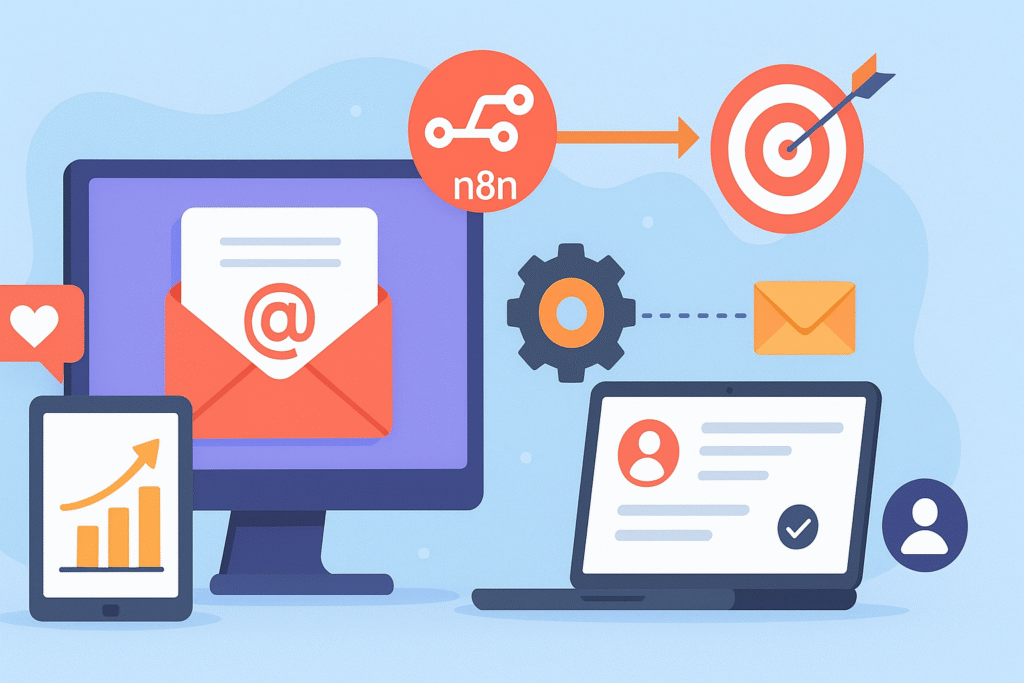
Introduction: N8N for Marketing
In the modern marketing landscape, efficiency and individualization are not the only benefits—they are the requirements. Marketing teams are constantly manipulating multiple platforms: CRM for leads, email service for campaigns, analytical tools for tracking, and spreadsheets for data hygiene. Transferring information manually between these sailors is not only time-consuming but also has the possibility of a mistake, which leads to missed opportunities and a fragmented customer point of view.
If you can connect all of these tools uniformly, can you create a 24/7 working self-operating marketing machine? This is no longer a dream of a future reserve for industries with huge IT budgets. With the rise of a powerful workflow automation platform like n8n, this capacity is now accessible to marketing groups of all sizes.
N8N (pronounced “N-Eight-N”) is an open-source workflow automation tool that uses a visual, node-based interface to integrate applications, services, and databases. For marketers, it’s a game-changer, which allows you to automate complex processes without writing a single line of code.
Table of Contents
Why N8N is a Marketer’s Secret Weapon
Before diving into specific use cases, it’s crucial to understand what sets N8N apart:
- No-Code/Low-Code Visual Canvas: You create workflows by pulling and leaving and connecting them “nodes” (representing each application or action). This makes complex logic intuitive and accessible.
- Extensive coordination: N8N has original coordination with hundreds of popular services such as Gmail, Google Sheets, Slack, Meta, LinkedIn, Salesforce, HubSpot, Pipedrive, and much more. It can also be linked to any tool with a public API.
- Flexibility and Control: Unlike some rigid, pre-made marketing automation suites, N8N gives you complete control. You design the workflow according to your need, preparing it according to your unique process.
- Cost-Effectiveness: Being open-source, you can self-host the N8N for free, which makes it an incredibly powerful and budget-friendly option for expensive enterprise-grade automation platforms.
Automating Email Campaigns with Precision
Email marketing is one of the most effective channels, but its power increases when it is timely and consistent. N8N leads you to over-individual, trigger-based communication from batch-and-blast.
Use Case 1: The Automated Welcome Drip Campaign
Instead of manually adding new signups to a static email list, imagine this automated workflow:
- Trigger: New user sign-up through a form on your website (e.g., a Typeform or Tally form)
- Action: N8N immediately catches this form submission.
- Action: It adds new lead details to your CRM, like Google Sheets spreadsheets (your lead database) and HubSpot.
- Action: As well as turning on a personal welcome email via SendGrid or Gmail, addressing the user by their first name.
- Delay: The workflow waits 24 hours.
- Action: It sends another email, maybe displaying the main feature, or provides a helpful guide regarding their sign-up cause.
This entire sequence happens automatically for every single new signup, ensuring no lead falls through the cracks and receives immediate, relevant engagement.
Use Case 2: Re-engagement Campaigns for Inactive Leads
Identifying and reuniting cold leads is a classic marketing challenge. N8N can automate this:
- Trigger: A scheduled N8N workflow runs every Monday morning to check your CRM (e.g., Pipedrive).
- Logic: It filters for leads whose “last activity” date is 90 days old and whose status is not “customer.”
- Action: For each qualifying lead, N8N turns on a personal re-engagement email with a special offer or a simple “we miss you” by Mailchimp or SendGrid.
- Action: It also creates a task to make a personal follow-up call for the highest value leads in the list for sales representatives in your project management tool, such as Trello or Posture.
This active approach to leadership management can revive opportunities that are otherwise forgotten.
Mastering Lead Tracking and Management
Knowing where a lead comes from and how they interact with your brand is critical for measuring ROI and optimizing your strategy. N8N can be the central hub that ties all this data together.
Use Case 3: Centralizing Lead Sources
Your leads come from everywhere: LinkedIn ads, Google Ads, webinar platforms, and content downloads. Manually tagging them in a CRM is inefficient.
- Trigger: Lead is generated from any source (eg, Linkedine Lead General Form, Webinar Registration on Zoom, or Whitepaper Download)
- Action: N8N receives the main information and a specific source.
- Action: It enriches information-using a clearebit node to add a company information or job title.
- Action: It adds a full-tagged and rich lead to your CRM or master Google sheet, in which the “Lead Source” columns clearly inhabited (E.G., “LinkedIn Add-Campaign A”)
- Instruction: A message is sent to a dedicated Slack channel that announces a new, qualified lead, which allows for an immediate team reaction.
This provides a single, clean source of truth for all the leading generation efforts.
Use Case 4: Lead Scoring and Segmentation
Not all leads are created equal. N8N can help you score and segment them automatically based on their behavior.
- Trigger: Lead performs high-practice action, such as visiting your pricing page (tracked by Google Analytics 4) or downloading a case study.
- Action: N8N receives information from this webhook or GA4.
- Logic and action: It updates the lead score in your database by 10 points. If the total score of the lead crosses a specific threshold (e.g., 50 points), the N8N automatically updates their position in the “Marketing Qualified Lead (MQL)” in CRM and assigns them to the sales representative.
- Action: It can also add a lead to a specific segment in your email marketing tool for a targeted nutritional campaign about a sale, bypassing extensive marketing messages.
This ensures your sales team focuses on the hottest prospects and that marketing communication is dynamically tailored to lead interest.
Building Your First N8N Marketing Workflow: A Practical Blueprint
Let’s create a concrete example from the beginning: automating follow-ups after a webinar.
Goal: To automatically thank the attendees, send a recording on a no-show, and identify hot leads for sale.
Used tools: Zoom, Google Sheets, Gmail, and Slack.
The Workflow Steps:
- Data processing (code node or n8N logic) data formatted. For example, you can split the full name into the first and last name.
- The trigger (zoom node) workflow starts when the webinar ends on Zoom. The N8N receives a list of attendees and, separately, receives a list of non-attending registered users.
- Step 1-Thank you to the emergency (Gmail node) for each person in the “Attendee” list; N8n sent the email “thanks for attending individual.” These include the recording link (which provides Zoom), presentation slides, and a special, time-sensitive offer.
- “Step 2—No-Show (Gmail Node) Re-attach” “Not attended”” For everyone in the list, N8N sends a different email: “Sorry we missed you!” Here is a recording of the webinar you have registered “.
- Step 3-Update the main list (Google Sheets node). All users (both attendants and no-shows) are added to the central “webinar leads” Google Sheet, which contains a column noting their status (attendance/no attendance).
- Identify action 4-hot leads (Slake node). N8N filters attendants who lived on a webinar for more than 45 minutes (indicating high engagement) immediately after sale.
This entire, multi-step process executes automatically the moment your webinar concludes, saving hours of manual work and ensuring a flawless, timely follow-up experience.
Best Practices for N8N Marketing Automation
- Simple Start: Start with a high-effect workflow, such as a welcome drip or webinar follow-up. Do not try to boil the sea on the first day.
- Make a map of your process on paper first: Before you start building in N8N, create a drawing of work floors and flow of information. This prevents messy, inefficient functioning.
- Handle the errors gracefully: Use N8N’s error-handling features. If an email fails to send, the workflows can enter an error in the spreadsheet and notify you by Slack, so you will never lose the lead peacefully.
- Test thoroughly: Always use sample data to test your workflow in a controlled environment before activating on live data.
- Monitor and repeat: Review your workflowperiodically. Are open rates falling? Maybe it’s time to replace an email copy or trigger delay. N8N gives you data to constantly optimize.
Key Takeaway:
The N8N basically transfers the role of the market to the strategic architect of systems from the manual executor of the functions. By automating the repetitive but critical processes of email campaigns and lead tracking, you free the invaluable time and mental bandwidth to focus on important things: strategy, creativity, and building customer relationships.
It democratizes the power of sophisticated marketing automation, putting you in the driver’s seat without closing it in a hard, expensive platform. Whether you are a single marketer or part of a large team, adopting an N8N is a crucial step toward making a more efficient, data-powered, and powerful effective marketing engine.