

How to Extend n8n with Custom APIs & Integrations
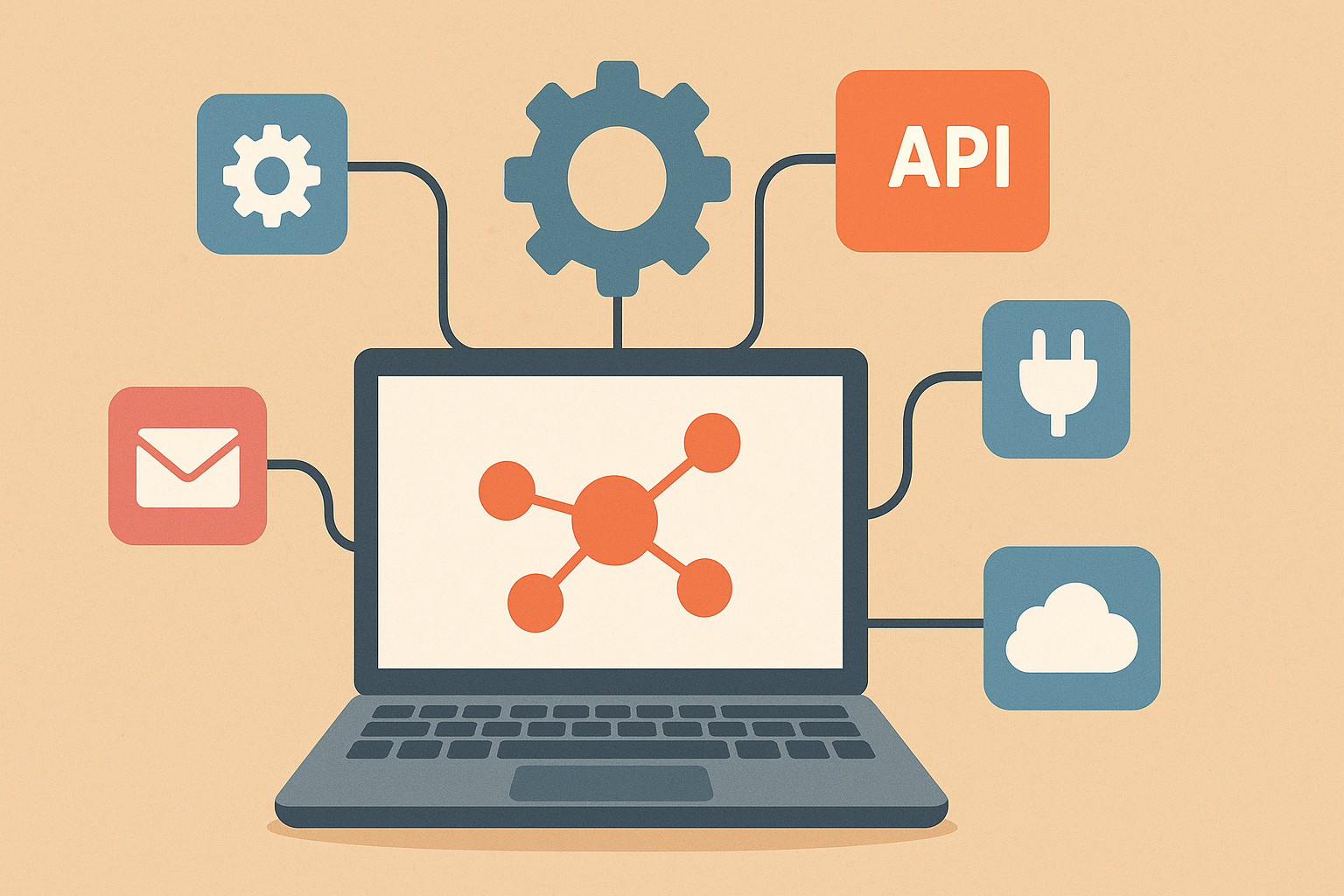
Introduction: n8n with Custom APIs & Integrations
Automation has become a critical component of modern digital workflows, enabling businesses to reduce manual effort, eliminate errors, and scale operations efficiently. Among the growing list of automation platforms, n8n has emerged as a powerful open-source workflow automation tool that offers flexibility far beyond traditional no-code solutions. One of its biggest strengths is the ability to extend n8n with custom APIs and integrations, allowing teams to automate virtually any system even those without native connectors.
In this article, we’ll explore how n8n custom API integration works, why it matters, and how you can use custom nodes and REST APIs to build advanced, scalable, and future-ready automation workflows.
Table of Contents
Understanding n8n and Its Extensibility
n8n (short for “node-to-node”) is a workflow automation platform that allows users to connect applications, services, and databases using a visual interface. Each step in a workflow is represented as a node, and data flows seamlessly between them.
Unlike many closed automation tools, n8n is developer-friendly and open-source. This means you are not limited to prebuilt integrations you can extend n8n to work with any API, internal system, or custom application. This extensibility is what makes n8n ideal for businesses with unique processes or complex integration requirements.
Why n8n Custom API Integration Is Important
Most organizations rely on a mix of SaaS tools, internal systems, and third-party services. While n8n provides hundreds of ready-made integrations, there will always be tools that lack native support. This is where n8n custom API integration becomes essential.
Key benefits include:
- Unlimited connectivity: Integrate any application that exposes a REST or GraphQL API
- Reduced dependency on vendors: No need to wait for official integrations
- Greater control: Customize authentication, data mapping, and error handling
- Scalability: Build automation that evolves with your business
By leveraging custom APIs, n8n becomes a universal automation layer across your tech stack.
n8n REST API Integration: The Foundation
At the heart of most custom integrations is the REST API. n8n makes REST API integration simple and flexible through its built-in tools.
Using the HTTP Request Node
The HTTP Request node is the most common way to perform n8n REST API integration. It allows you to:
- Send GET, POST, PUT, PATCH, and DELETE requests
- Configure headers, query parameters, and request bodies
- Handle authentication methods like API keys, OAuth2, and bearer tokens
- Parse JSON, XML, or plain-text responses
With this node, you can connect n8n to CRMs, ERPs, payment gateways, analytics tools, or even your own backend services.
Practical Use Cases
- Sync data between two platforms that don’t natively integrate
- Trigger workflows based on API responses
- Push processed data to external systems
- Automate reporting, notifications, or system updates
This approach alone covers a large percentage of custom workflow automation with n8n needs.
Authentication in Custom API Integrations
Authentication is a critical part of extending n8n with custom APIs. n8n supports multiple authentication mechanisms, including:
- API Key (header or query-based)
- Basic authentication
- OAuth 2.0
- Custom header-based tokens
n8n’s credential management system ensures sensitive information is stored securely and reused across workflows. This not only improves security but also simplifies maintenance when credentials need to be updated.
Extending n8n with Custom Nodes
While the HTTP Request node is powerful, some use cases require deeper integration or reusable components. This is where you can extend n8n with custom nodes.
What Are Custom Nodes?
Custom nodes are JavaScript/TypeScript modules that behave like native n8n nodes. They allow you to:
- Encapsulate complex logic
- Create reusable integrations
- Improve performance for high-volume workflows
- Provide a cleaner UI for non-technical users
Custom nodes are especially useful when you frequently interact with the same API or need standardized actions across multiple workflows.
When Should You Build a Custom Node?
You should consider building a custom node when:
- You use the same API across many workflows
- The API requires complex authentication or transformations
- You want to expose a simplified interface to business users
- Performance optimization is required
Although custom node development requires coding, it offers long-term scalability and maintainability benefits.
Custom Workflow Automation with n8n
One of the biggest advantages of n8n is its ability to orchestrate complex automation logic across systems. With custom APIs and nodes, you can design custom workflow automation with n8n that goes far beyond simple triggers and actions.
Advanced Workflow Capabilities
- Conditional logic and branching
- Error handling and retries
- Data transformation and enrichment
- Parallel execution
- Webhooks and real-time automation
These capabilities allow n8n to function as an integration platform, not just a task automation tool.
Webhooks: Real-Time API Integrations
Webhooks play a vital role in custom API integrations. n8n’s Webhook node lets external systems trigger workflows in real time by sending HTTP requests.
Common use cases include:
- Processing form submissions
- Reacting to application events
- Syncing data instantly between platforms
- Triggering workflows from custom applications
By combining webhooks with REST API calls, you can build event-driven automation architectures using n8n.
Error Handling and Monitoring
Custom API integrations often introduce unpredictable behavior timeouts, invalid responses, or authentication failures. n8n provides robust tools to manage this:
- Try/catch error workflows
- Execution logs and debugging tools
- Conditional paths for failed requests
- Notifications on workflow failure
These features ensure your n8n custom API integration remains reliable and production-ready.
Performance and Security Considerations
When extending n8n with custom APIs, it’s important to follow best practices:
- Use pagination and batching for large datasets
- Avoid hardcoding credentials
- Implement rate-limiting logic
- Validate and sanitize incoming data
- Monitor execution performance
For self-hosted deployments, n8n offers additional control over data privacy, compliance, and infrastructure scaling.
Real-World Examples of Custom Integrations
Businesses across industries use n8n to build powerful integrations such as:
- Syncing CRM data with internal databases
- Automating lead routing and enrichment
- Connecting legacy systems with modern SaaS tools
- Orchestrating AI-powered workflows using APIs
- Integrating payment, logistics, and analytics platforms
These real-world use cases highlight how flexible and scalable custom workflow automation with n8n can be.
The Future of n8n Custom Integrations
As APIs continue to evolve and businesses adopt more specialized tools, the need for flexible automation platforms will only increase. n8n’s open architecture ensures it remains future-proof, allowing developers and automation engineers to build exactly what they need without limitations.
With continued improvements in custom nodes, REST API support, and developer tooling, extending n8n with custom APIs will become even more powerful and accessible.
Key Takeaway:
Extending n8n with custom APIs and integrations unlocks the platform’s full potential. Whether you’re using the HTTP Request node for quick REST API integration or building custom nodes for advanced use cases, n8n provides unmatched flexibility and control.
By mastering n8n custom API integration, learning how to extend n8n with custom nodes, and designing custom workflow automation with n8n, businesses can create scalable, efficient, and future-ready automation ecosystems.